
Mobile Security for Frontline Workers: 2026 Guide
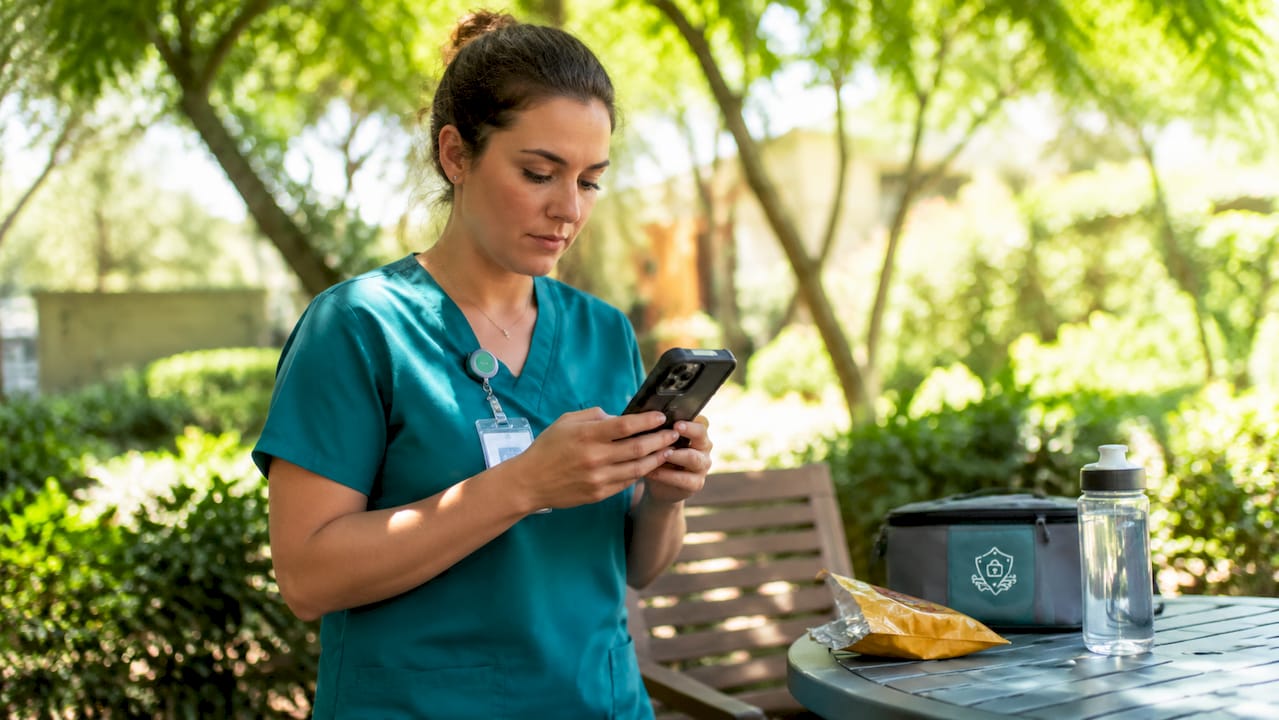
Mobile security for frontline workers is the practice of protecting mobile devices, sensitive data, and communications used by staff who operate in dynamic, high-risk environments. The industry term for this discipline is endpoint security for mobile workforces, though the practical framework combines Mobile Device Management (MDM) with Frontline Identity, Access, and Management (FIAM) to address risks that standard enterprise security tools miss entirely. Frontline staff in healthcare, logistics, construction, and retail face threats that office workers rarely encounter: shared devices, unsecured public networks, and physical conditions that make traditional password entry nearly impossible. Understanding what is mobile security for frontline workers means understanding why generic IT policies consistently fail this population.
What is mobile security for frontline workers, and why does it differ?
Mobile security for frontline workers is a specialized security strategy that combines device trust, user identity verification, and least-privilege resource access. That combination matters because frontline environments break every assumption that traditional MDM was built on.
A corporate office worker uses one assigned device, sits behind a firewall, and logs in once per day. A warehouse associate may share a device with three colleagues across two shifts, connect to a loading dock Wi-Fi network with no encryption, and swap apps while wearing thick gloves. The attack surface is fundamentally different. Security policies designed for desk workers create friction that frontline staff work around, which produces the worst possible outcome: the appearance of compliance with none of the protection.
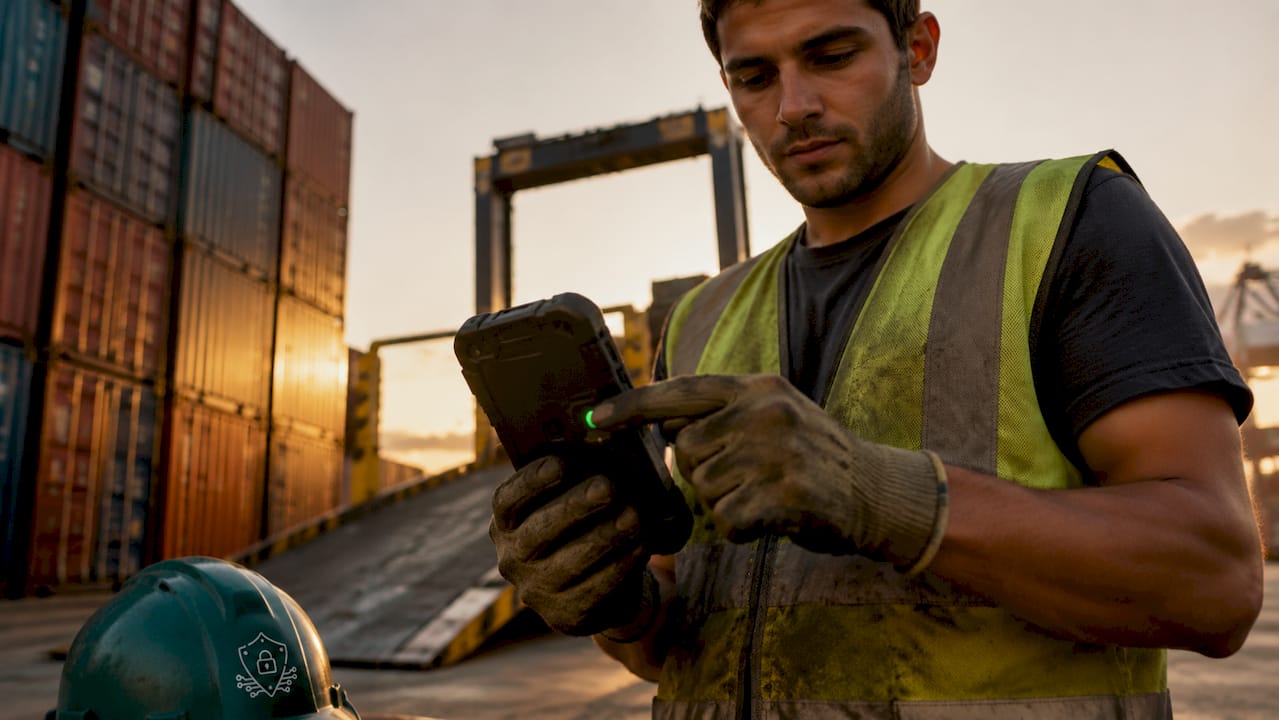
The importance of mobile security in these environments goes beyond data protection. Frontline workers often access payroll systems, patient records, inventory databases, and customer payment data directly from their devices. A single compromised device can expose an entire organization’s operational data. That risk is not theoretical. Social engineering attacks delivered through SMS, WhatsApp, and iMessage specifically target frontline staff because attackers know these workers receive fewer security awareness briefings than their office counterparts.
What are the unique mobile security challenges for frontline workers?
Frontline environments create security blind spots that no single tool resolves on its own. The challenges fall into four distinct categories.
Physical and environmental risks
- Devices operate in harsh conditions: extreme heat, moisture, dust, and impact damage are routine.
- Physical security measures like rugged cases and screen protectors reduce damage and device replacement costs significantly.
- Lost or stolen devices are a constant risk in high-traffic environments like hospitals, warehouses, and construction sites.
- Bright sunlight and dirty hands make touchscreen interaction unreliable, which pushes workers toward shortcuts like disabling auto-lock.
Shared device and session risks
Shared device environments create significant security blind spots when users are not properly logged out between sessions. The next user on a shared device can access the previous user’s open applications, cached credentials, and downloaded files without any additional authentication. This is not a hypothetical edge case. It is the default state in most frontline deployments that lack automated session management.
Network exposure
Data in transit is a primary risk for frontline mobile devices, especially when workers connect to public or untrusted Wi-Fi. Network interception is a critical attack vector that MDM alone cannot block. A device that is fully encrypted and policy-compliant still exposes data if it sends that data over an unencrypted connection.
Behavioral compliance gaps
Frontline workers are not negligent. They are busy. Overly complex security protocols get bypassed not out of malice but out of operational necessity. Security measures that ignore this reality produce policies that look good on paper and fail in the field.
Pro Tip: Run a one-day shadow exercise with a frontline team before finalizing any security policy. You will find at least three workarounds that no IT audit would catch.
Which technical measures constitute effective mobile device security?
Effective cybersecurity for frontline staff requires layered controls across authentication, device management, network protection, and application policy.
Authentication controls
- Require a minimum six-digit PIN or biometric authentication on every frontline device. Auto-lock should activate within 10 minutes of inactivity to protect against unauthorized access after a device is set down.
- Replace SMS-based multi-factor authentication immediately. SMS codes can be intercepted by malicious software on the device itself. Use authenticator apps, passkeys, or hardware tokens instead.
- Deploy biometric unlock as the primary method for frontline staff. Fingerprint and face recognition work faster than PIN entry and accommodate gloves-off moments in physical workflows.
Device management controls
MDM solutions enforce encryption, remote wipe, and application protection policies across every enrolled device. Company-owned devices benefit from full management controls, including the ability to wipe a lost device remotely before data is extracted. MDM also enforces baseline compliance: a device without current OS patches or with a disabled screen lock cannot access corporate resources.
Network and data controls
| Control | Purpose | Implementation |
|---|---|---|
| VPN | Encrypts all data in transit | Required on public or untrusted Wi-Fi |
| App-level encryption | Protects data within specific apps | Enforced via application protection policies |
| Offline document access | Reduces reliance on unsecured networks | Pre-sync job sheets and reference documents |
| Conditional access | Blocks non-compliant devices | Enforced at the identity layer |
Offline access to essential documents reduces dependency on untrusted networks and maintains workflow continuity in areas with poor connectivity. This is both a security control and a productivity feature, which makes adoption far easier to achieve.
Application protection policies
Application protection policies restrict organizational data flow to managed apps and enforce app-level encryption and conditional access. These policies protect data even on unmanaged or personal devices, which matters in bring-your-own-device deployments common in smaller frontline operations.
Pro Tip: Provision offline copies of the five documents frontline workers access most. You eliminate the single biggest reason they connect to unsecured networks.
How does FIAM enhance mobile security beyond traditional MDM?
Frontline Identity, Access, and Management (FIAM) is an identity-centric security framework built specifically for shared-device, high-mobility environments. It addresses the core limitation of traditional MDM: MDM secures the device, but it cannot verify who is using it at any given moment.
“The shift from device-centric to identity-centric security is not optional for frontline environments. Shared devices make device trust alone meaningless.” — Zero Trust Access for Frontline Workers
FIAM operates on three pillars:
Device Trust confirms that the device meets compliance standards before any session begins. This includes OS version, encryption status, and MDM enrollment.
User Identity Verification confirms who is accessing the device at the moment of access, not just at initial enrollment. This is where FIAM separates from MDM. A device can be trusted while the current user is not the authorized user.
Least Privilege Access grants each worker access only to the specific applications and data their role requires. A logistics associate does not need access to HR records. Restricting access by role limits the blast radius of any single compromised session.
Zero-trust policies mandate device compliance verification and multi-factor authentication before granting access to sensitive corporate resources. This reduces data leakage and satisfies regulatory compliance requirements under frameworks like HIPAA and SOC 2.
FIAM also addresses shared device workflows directly. Specialized launcher apps and automated sign-out workflows isolate user sessions so the next worker starts a clean session with no access to the previous user’s data. This single control eliminates the most common data exposure risk in frontline deployments. Audit logging captures every session, every access event, and every policy exception, which supports both internal review and external compliance audits.
What practical steps can managers take to maintain frontline mobile security?
The best practices for mobile security in frontline environments succeed when they are designed around how workers actually operate, not how IT teams assume they operate.
- Write policies for the environment, not the org chart. A policy requiring manual logout after every task will be ignored on a busy hospital floor. Automated session timeouts remove the human decision entirely.
- Deploy biometrics as the default authentication method. Frontline workers benefit from automated session timeouts and biometric unlock because physical work conditions make PIN entry slow and error-prone.
- Run quarterly mobile threat awareness training. Cover smishing, executive impersonation via SMS, and credential-harvesting links sent through WhatsApp. Frontline workers receive these attacks and rarely recognize them as threats.
- Monitor device compliance continuously. MDM dashboards show which devices have fallen out of compliance in real time. A device running an unpatched OS or with a disabled screen lock is an active risk, not a future one.
- Secure the messaging security layer. SMS and messaging apps are the primary delivery channel for social engineering attacks targeting frontline staff. Policies that ignore messaging ignore the most active threat vector.
- Provision secure data backups. Device loss or damage is routine in frontline settings. Automated cloud backup of work data prevents operational disruption and eliminates the temptation to use personal cloud storage.
Pro Tip: Add a one-tap “Report suspicious message” button to every frontline device’s home screen. Reporting rates increase sharply when the action requires no navigation.
Key Takeaways
Mobile security for frontline workers requires an identity-centric framework that combines MDM, FIAM, strong authentication, and network encryption to protect shared devices and sensitive data in high-risk environments.
| Point | Details |
|---|---|
| FIAM over MDM alone | Identity verification at the session level closes the gap that device-only management leaves open. |
| Biometrics and auto-lock | Six-digit PIN or biometric authentication with a 10-minute auto-lock is the minimum acceptable standard. |
| No SMS-based MFA | Replace SMS codes with authenticator apps, passkeys, or hardware tokens to block interception attacks. |
| Offline document access | Pre-synced offline files reduce reliance on unsecured public networks in the field. |
| Messaging threats are primary | Social engineering via SMS, WhatsApp, and iMessage targets frontline workers directly and requires dedicated detection. |
What I’ve learned watching frontline security programs fail
The most common failure I see in frontline mobile security programs is not a technology gap. It is a design gap. Security teams build policies for a theoretical worker who has time, a clean workspace, and a single assigned device. That worker does not exist on a hospital floor or a construction site.
The second failure is treating messaging as a secondary concern. Every organization I have observed that suffered a frontline-related breach had one thing in common: the attack entered through SMS or a messaging app, not email. Credential-harvesting links sent via iMessage, payroll fraud requests via WhatsApp, and executive impersonation over SMS are the actual attack chain. MDM and FIAM address the device and identity layers, but they do not detect or respond to social engineering delivered through messaging channels.
The third failure is underestimating the mobile security service gap between what IT teams believe is covered and what is actually monitored. Most organizations have no visibility into messaging-based threats at all. That blind spot is where attackers operate.
Identity-centric security is the right direction. Physical durability matters. But the organizations that get this right also close the messaging threat gap with dedicated detection and response capability.
— Sophie
How Smishalert addresses the messaging threat gap for frontline teams
Frontline mobile security programs that cover MDM, FIAM, and network encryption still leave one critical gap open: social engineering attacks delivered through SMS, iMessage, and WhatsApp. These attacks bypass every device-level control because they target the worker, not the device.

Smishalert gives security teams visibility into messaging-based threats that occur entirely outside the corporate perimeter. The platform captures user-reported messages, correlates attack campaigns, and surfaces credential-harvesting attempts, executive impersonation, and payroll fraud before they result in compromise. For frontline teams, where workers receive high volumes of operational messages and have limited time to evaluate each one, that detection layer is not optional. Take a 2-minute readiness check to see where your organization’s messaging threat coverage stands today.
FAQ
What is mobile security for frontline workers?
Mobile security for frontline workers is a specialized framework combining MDM, identity verification, and network encryption to protect shared devices and sensitive data in high-risk, high-mobility environments. It differs from standard enterprise security by addressing shared device usage, physical conditions, and messaging-based social engineering threats.
Why is SMS-based MFA no longer recommended for frontline devices?
SMS codes can be intercepted by malicious software installed on the device. Authenticator apps, passkeys, and hardware tokens provide stronger protection and are the current recommended alternatives.
How does FIAM differ from traditional MDM?
MDM secures the device. FIAM secures the identity of the person using the device at any given moment. In shared-device environments, that distinction determines whether the second user on a shift can access the first user’s data.
What is the biggest mobile security risk for frontline workers?
Data in transit on public or unsecured Wi-Fi networks is a primary technical risk. Social engineering attacks delivered through SMS and messaging apps represent the most active human-layer risk, as frontline workers are frequently targeted and rarely have dedicated detection tools in place.
How can managers improve mobile security compliance among frontline staff?
Replace manual logout requirements with automated session timeouts, deploy biometric authentication as the default, and run quarterly training that covers smishing and messaging-based attacks. Policies that reduce friction see significantly higher compliance rates in field environments.